
Zuturno for Mac
Zuturno is a desktop app for macOS 12 and later that keeps your Mac active while you step away. It simulates mouse movement, scrolling, clicks and app switching, at a frequency you choose, so your Mac doesn't go to sleep, lock the screen or close your sessions. It runs locally, in the background, and you download it from this website (it is not in the Mac App Store).
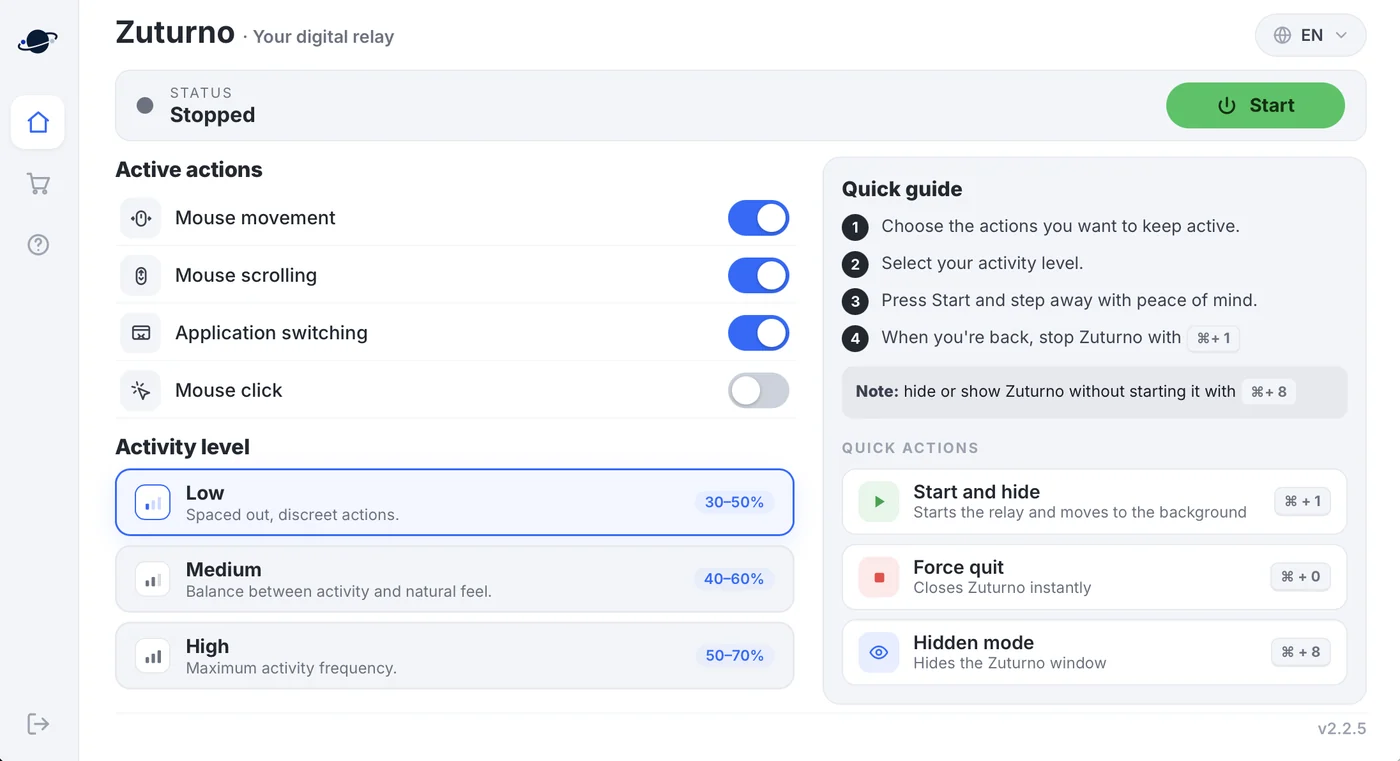
What you can turn on
| Action | What it does |
|---|---|
| Mouse movement | Moves the cursor at the pace you set |
| Mouse scrolling | Scrolls the active window |
| Application switching | Switches between your open apps |
| Mouse click | Clicks in place (off by default) |
On Mac, Zuturno has these four actions; keyboard activity is available on Windows. You also pick one of three activity levels: Low (spaced-out, discreet actions; 30–50% in the app), Medium (40–60%) or High (50–70%).
Shortcuts on Mac
- ⌘ + 1: start Zuturno and move it to the background; press it again to stop when you're back.
- ⌘ + 8: hide or show the Zuturno window without starting it (hidden mode).
- ⌘ + 0: force quit Zuturno instantly.
How to install it
- Download the
.dmgand drag the app to your Applications folder. It appears as "Updater" in Applications and the Dock; when you open it, the window shows Zuturno. - Allow it under System Settings > Privacy & Security > Accessibility. macOS requires this permission for any app that generates mouse and keyboard events; without it, Zuturno can't simulate activity.
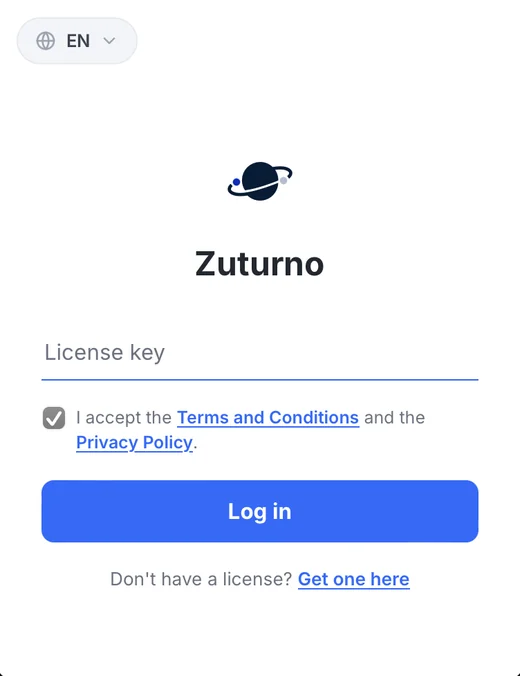
- Enter your license key and accept the Terms and the Privacy Policy. You get the key by email when you start your 7-day free trial.
- Choose your actions and activity level, then press Start.
Use it responsibly
Zuturno is a personal productivity and automation tool. If you work for a company or a client, check your contract and their policies before using it on work computers or accounts (Terms, clause 11). What the app sends and what stays on your Mac is explained in Privacy and security.
FAQ
Which versions of macOS does Zuturno support?
macOS 12 or later.
Why does my Mac ask for Accessibility permission?
macOS requires it for any app that generates mouse and keyboard events. Zuturno uses it only to simulate the activity you configure.
Why does the app appear as "Updater"?
That is the name of the installed app on Mac: you'll find it as "Updater" in Applications and the Dock. When you open it, the window shows Zuturno.
Is Zuturno in the Mac App Store?
No. You download it from zuturno.com.
How much does it cost?
Zuturno Personal costs $5.99 USD/month or $46.99 USD/year for one computer, and Zuturno Pro costs $11.99 USD/month or $89.99 USD/year for up to 4 computers. Both plans include a 7-day free trial: you pay $0 today, and if you cancel before day 7 you won't be charged.